The store will not work correctly when cookies are disabled.
Our website uses cookies
We use cookies to make our site work smoothly, personalize your experience and help us improve our marketing efforts.
You can choose what you’re comfortable with and change your preferences any time. For more details see our cookie policy.
Necessary
These cookies are essential for our website to function. They handle things like secure login, shopping carts and caching to improve performance.
Preferences
These cookies enable the website to remember your settings, like language preference, and provide helpful features like our live chat system.
Statistics
We use cookies to count the number of visitors to our website and understand how they use it, so we can improve performance and experience.
Marketing
These cookies are set by our advertising partners and allow us to measure how well our ads are performing and help us improve our marketing.
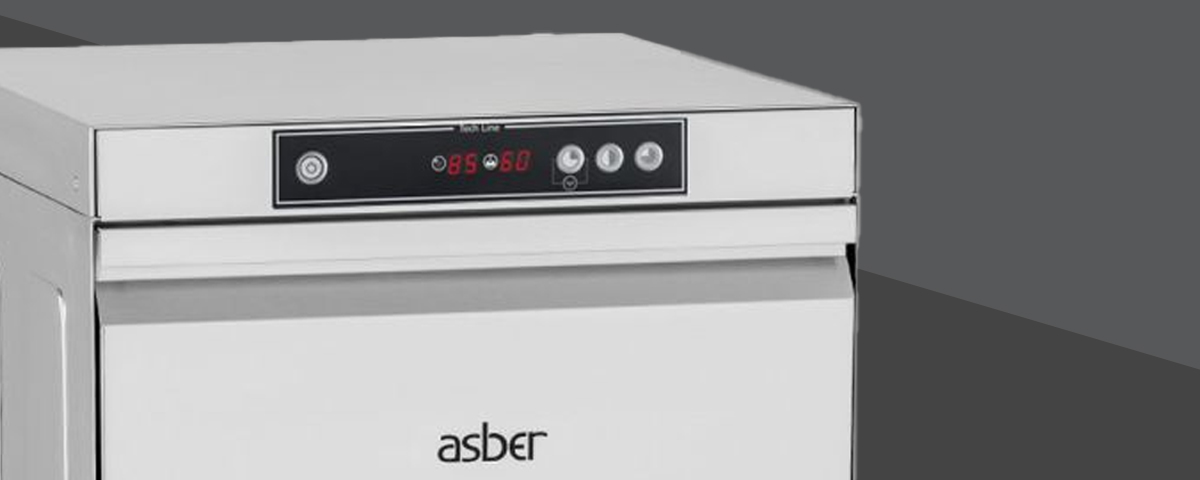
This guide covers basic temperatue adjustment for Asber Tech Line glasswashers & commercial dishwashers. The steps are generic so that they can also be performed on other Asber branded machines, as these feature a very similar design of thermostat and adjustment method.
Watch The Video:
Steps Covered In The Video:
Turn off the machine and remove the lower front panel.
There will be two thermostats in the lower recess on a metal mounting plate. The one marked “Tt” is the tank thermostat, this controls the temperature of the wash water. The other is marked “TC” is the rinse boiler thermostat, this controls the rinse water temperature.
The machine comes factory set, TANK – 65*C / BOILER -85*C, although this is the recommended temperature for the machine, adjustments can be made by either turning clockwise or anti-clockwise to the desired temperature. The both thermostats have an operating level between 30-90*C.
If your tank thermostat has no centre dial (below) this is a fixed thermostat, so It cannot be adjusted. This will be fixed to 65*C.